Idealpos Licence Gateway - Pocket Pad & Idealpos Restaurant Licensing
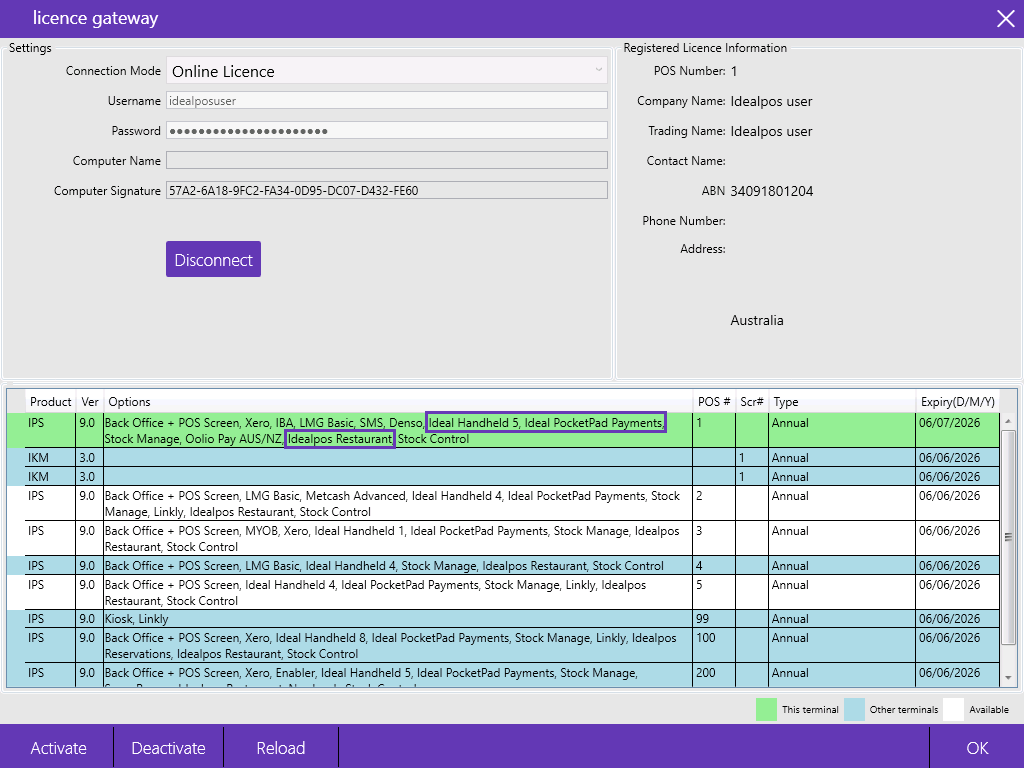
Pocket Pad requires the following modules in the Licence Gateway (accessed via Back Office > Setup > Licence Gateway):
- Idealpos Restaurant module - This module is required as Pocket Pad relies on functionality in Idealpos Restaurant (such as Table Maps)
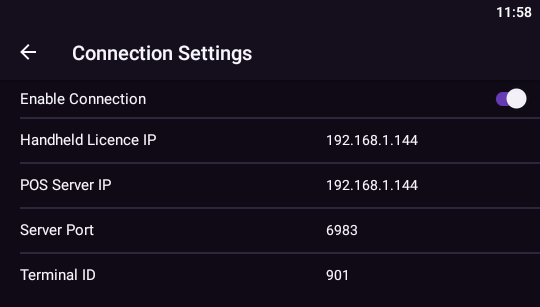
- Ideal Handheld - This module is required and enables the Pocket Pad app devices to communicate with the POS Terminal. This module also controls the number of concurrent connections allowed from Pocket Pad. If the number of connected devices running Pocket Pad exceeds the value set, any additional devices that exceed the limit will display a "No Handheld Licenses available" or "No Pocket Pad Licences available" message when they attempt to connect (Pocket Pad was formerly known as Ideal Handheld and Ideal Handheld is still listed in the Licence Gateway).
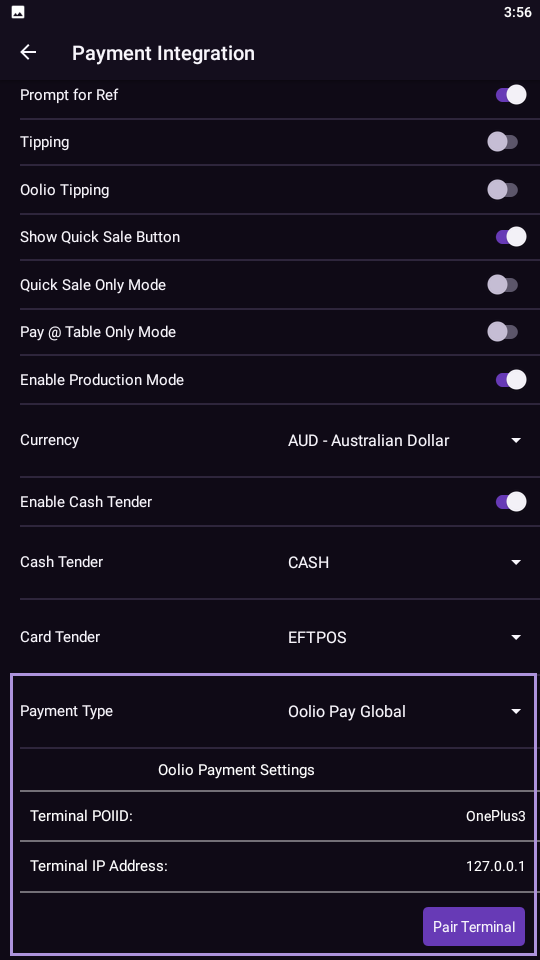
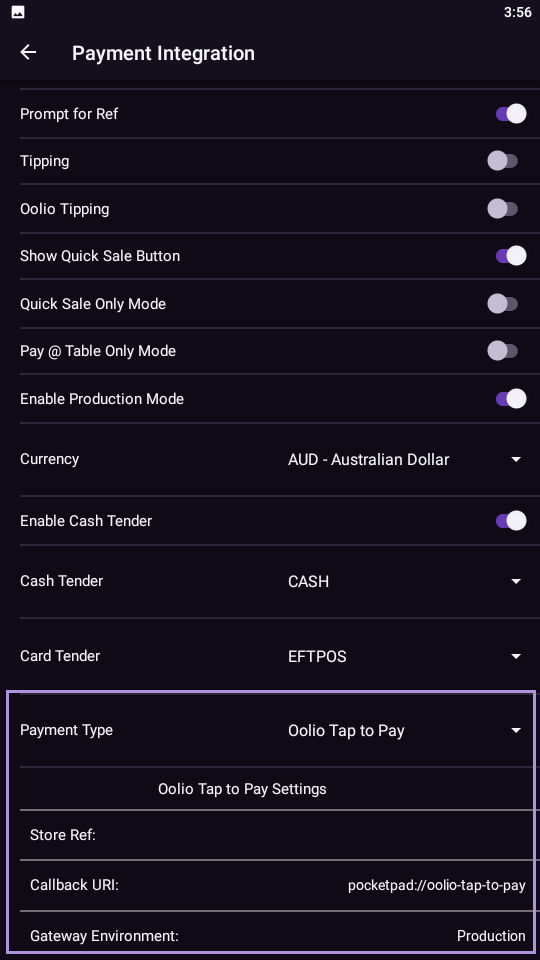
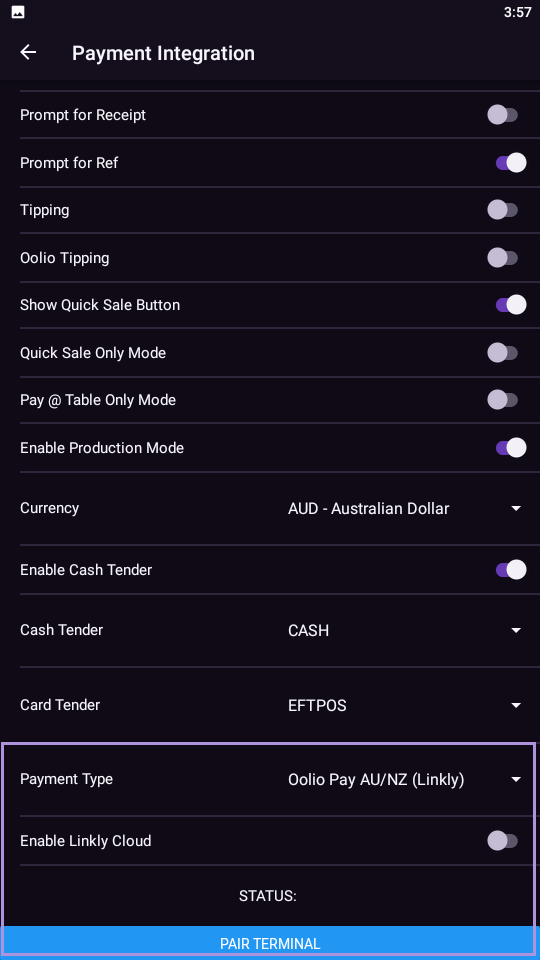
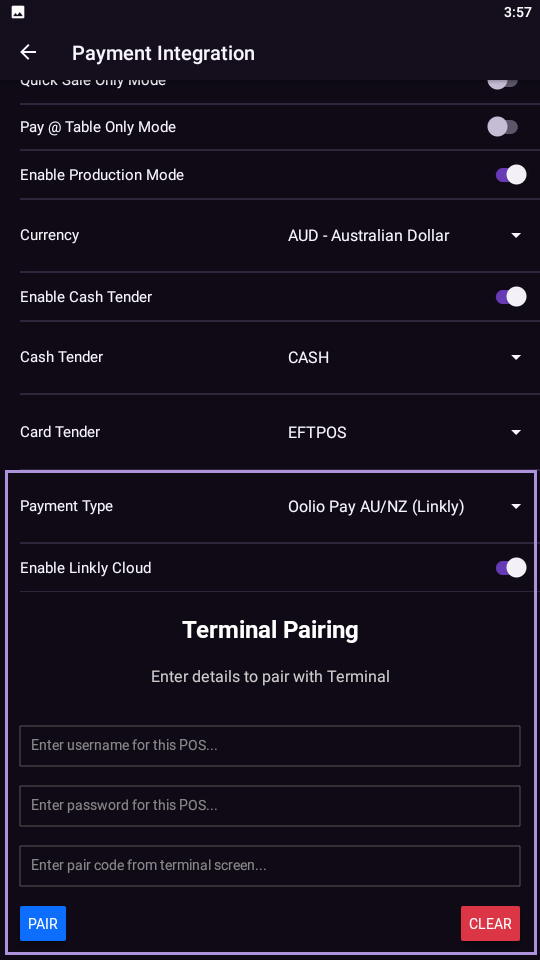
- Pocket Pad Payments [optional] - This module is only required if Pocket Pad Payments will be used. The Pocket Pad Payments module will enable Payments functionality in the Pocket Pad app, which enables the app to process table payments and/or Quick Sales.
Note that the Pocket Pad Payments module only needs to be enabled on the Back Offices and/or POS Terminals which issue Handheld Licences to Pocket Pad devices that require the Pocket Pad Payments functionality.
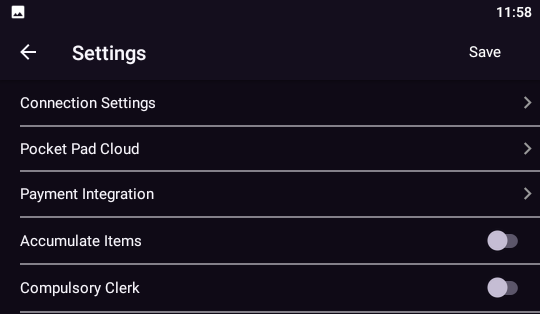
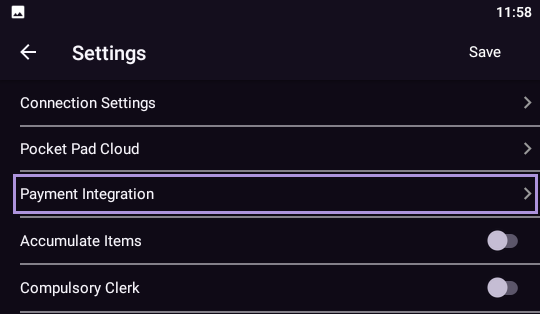
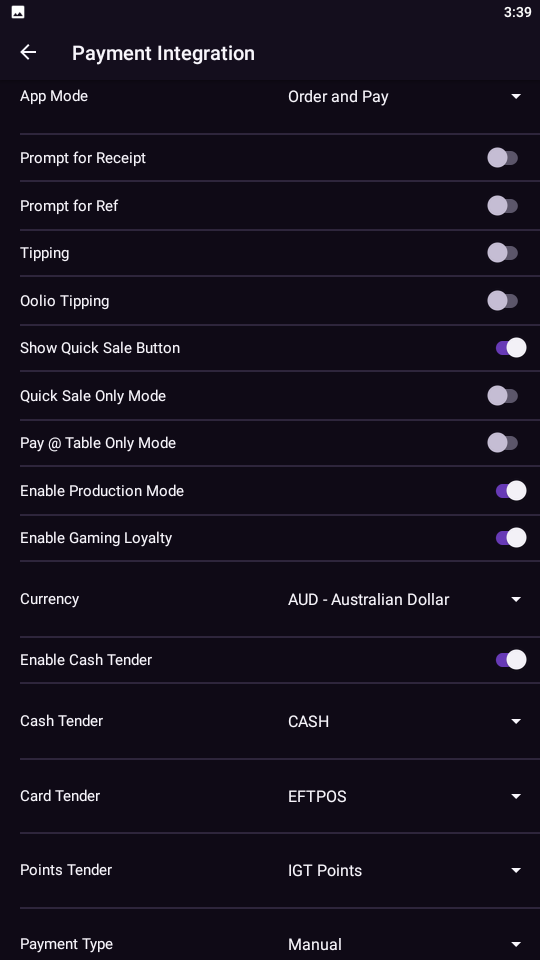
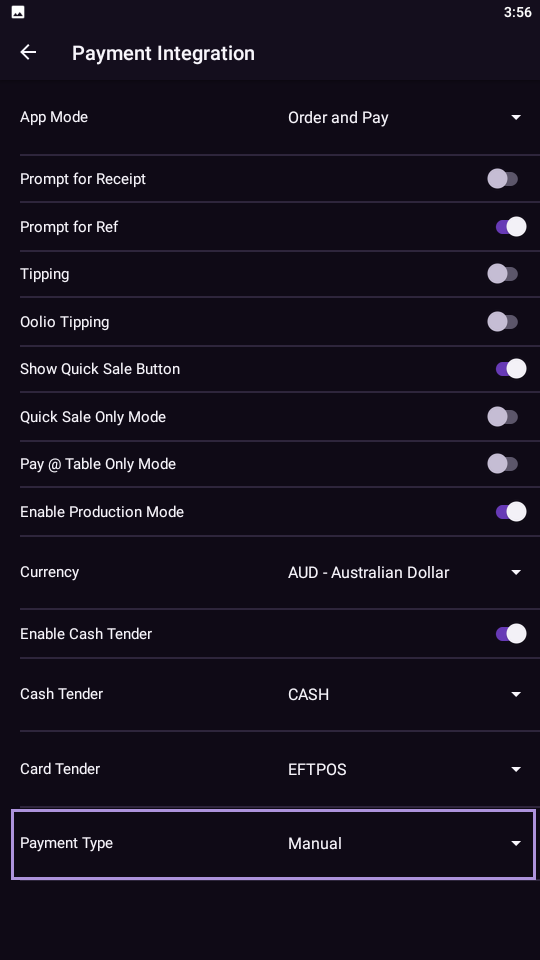
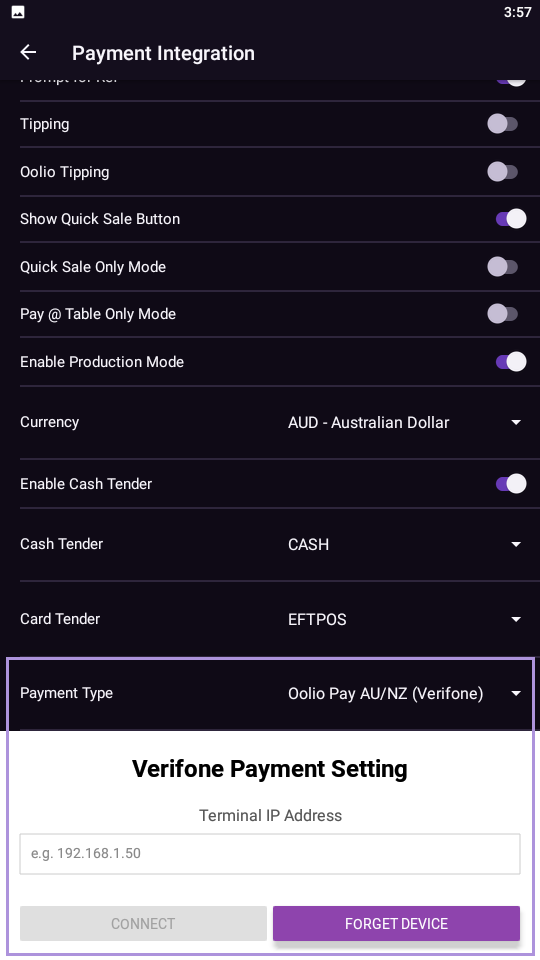
If the Pocket Pad Payments module is disabled in the Licence Gateway and a Pocket Pad device obtains its Handheld Licence from that Terminal, the Payment Integration options in the Pocket Pad app will be hidden, preventing access to the configuration/usage of Pocket Pad Payments functionality on that Pocket Pad device.
Contact Idealpos or your Idealpos Reseller to purchase any of the above modules if they are required.
Once purchased, go to: Back Office > Setup > Licence Gateway > Press the "Reload" button to reload the licences.
After Licences have been reloaded, it is recommended to perform a full Close Suite/Open Suite for the changes to take effect.
A Close Suite/Open Suite can be performed via IPSUtils (Start > Idealpos > IPSUtils > Press the "Close" button to Close the Idealpos Suite of applications).